




Rodeoslot App Mobile
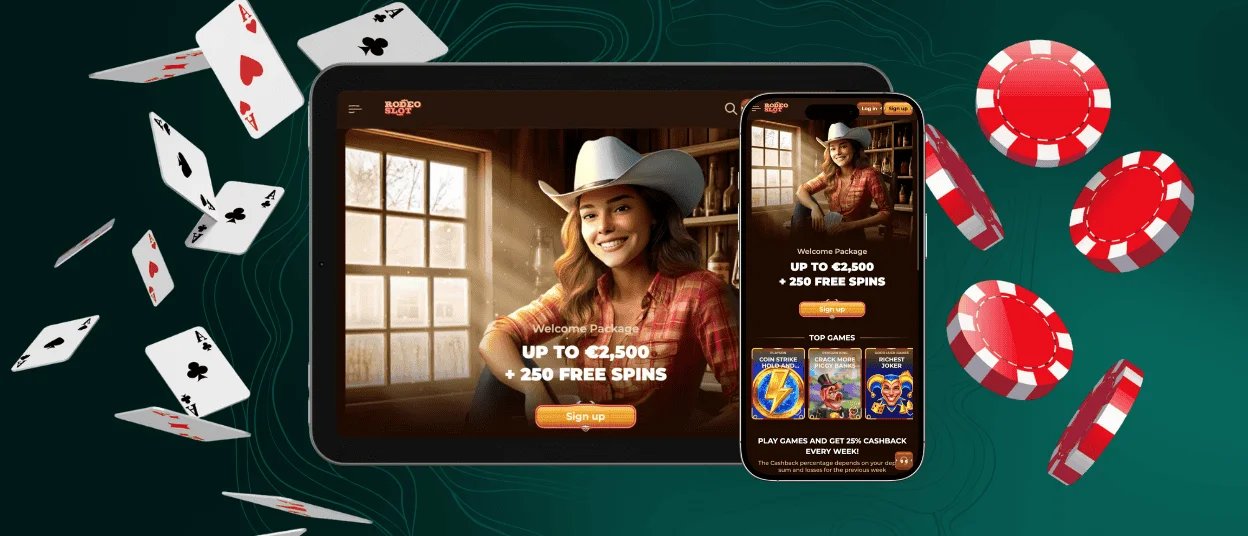
The Rodeoslot app is a gaming platform right on your phone. Our mobile casino works as a lightweight progressive web app (PWA), so you don’t need to visit an app store or download any software. Here you’ll find the same games and bonuses as in the desktop version. The interface automatically adjusts to your screen and remains easy to navigate.



Rodeoslot App Mobile
The Rodeoslot app lets you run the casino on your phone without losing any functionality. It appears on your home screen and gives you easy access to everything in your account.
The touchscreen controls are responsive, and loading times are fast. The desktop version offers more screen space, which is more convenient for extended gaming sessions or live dealer games. But your account is synced across both devices, so switching between them is seamless.
| Feature | Rodeoslot App | Desktop Version |
| Accessibility | Launches from the home screen for instant access | Access through any supported web browser |
| Controls | Touch-optimized navigation and gestures | Mouse and keyboard navigation |
| Performance | Fast loading with a lightweight interface | Optimized for larger screens and multitasking |
| Notifications | Supports push notifications for offers and updates | Browser notifications only |
| Gaming Experience | Perfect for playing away from home | Better suited for longer sessions and live casino play |
| Features | Complete access to games, payments, bonuses, verification, and settings | Includes the same casino functions and account tools |
Rodeoslot App – iOS
You don’t have to go through the App Store to install Rodeoslot Casino on your iPhone. It is available through our website and gives you the same online slots and features as the desktop version, but optimized for your iPhone or iPad. It’s lightweight and updates itself since it works through the browser.
How to install it:
- Users should open the Rodeoslot Casino website in Safari.
- Next, they need to tap the Share button at the bottom and select “Add to Home Screen.”
- After that, they have to tap “Add” to confirm.
The icon appears on your Home Screen – tap it anytime to get straight into the casino.

Rodeoslot App – Android
Our app for Android is the fastest way to access all the features on your mobile device. With the Rodeoslot app for Android, you can receive notifications that help you stay up-to-date on the latest news, such as tournaments and new games. Our software runs smoothly on Android phones and tablets, and once installed, it opens with a single tap from the home screen.
Rodeo Slot APK
There’s no need to download an APK, as Rodeoslot uses PWA technology instead of separate installation files. We’ve simplified the installation process, so you don’t need to search for downloads on third-party websites. You can simply add the Rodeoslot Casino to your Android home screen via your browser.
The app takes up very little space and always runs on the latest version.
Rodeo Slot App – Desktop and Supported Browsers
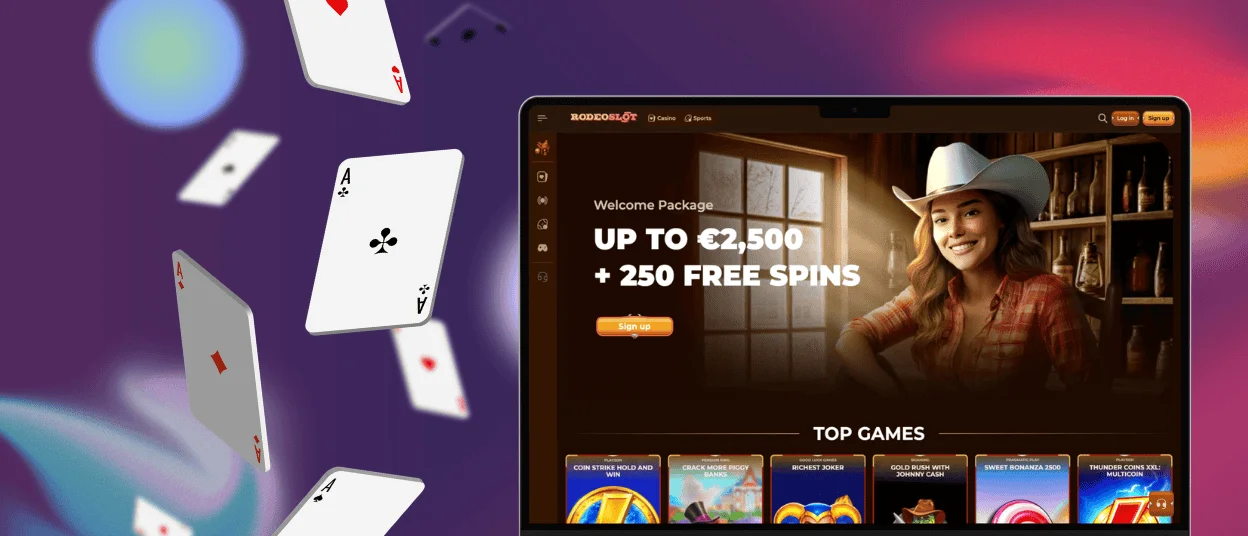
Windows and macOS support Rodeo Slot through any modern browser, so no software installation is required. For rapid access, you need to set up a desktop shortcut, which will work like a web app and open the casino with a single click. You may access all live dealer tables and responsible gaming features from the desktop version.
For the best experience, use the latest versions of Chrome, Edge, Firefox or Safari. Modern browsers are faster and safer.
Troubleshooting App Issues
Most issues with the Rodeoslot app are easy to sort out quickly. Users should start with checking their internet connection and sometimes that’s all it is. If things are still slow, you may try clearing your browser’s cache or restarting your device. And if games are not loading properly, you need to try logging out and back in. It refreshes your session and resolves a lot of minor glitches.
If you’ve tried all that and the problem is still there, our support is available 24/7. Our specialists can walk you through more specific fixes as they know the platform inside out and won’t leave you hanging.
FAQ
Where can I download the Rodeoslot app from a trustworthy source?
You can do it on the official Rodeoslot Casino website. The app is a PWA, therefore, no APK or third-party downloads are required. Users simply have to access the website in their mobile browser, then they need to follow the installation instructions and add it to the Home Screen. That way, you’ll always have the most recent version, with automatic updates and sufficient security.
Does the app use the same security measures as the website?
Yes, there are identical encryption and protocols. All data transfers are encrypted and personal information and payment details are handled using the same security protocols as the desktop site. The verification process and other security elements also operate in the Rodeo Slot app.
How can I contact support from within the app?
Live chat is built right into the Rodeoslot app and available 24/7 for whatever comes up. If it’s not urgent or you need to send documents, you can also reach out to our support team via email. Both options are accessible directly from the app.


